Digital minimalism: a phone setup that gives you your evenings back
In short
The problem is not willpower; it is the home screen. A five-part phone setup, a 30-minute install, and what digital minimalism will not fix.
- Spend thirty minutes on the setup: ten minutes moving non-tool apps off the home screen, then five minutes each on notifications, folders, bedtime mode, and one app limit.
- Keep only apps that do a job you can name in one sentence on the first screen; if you cannot, the app belongs in a folder on the last page.
- Audit the phone for ten minutes once a month: check screen time, remove one app you did not choose to keep, re-check notifications, and confirm the bedtime setup still works.
By Cici
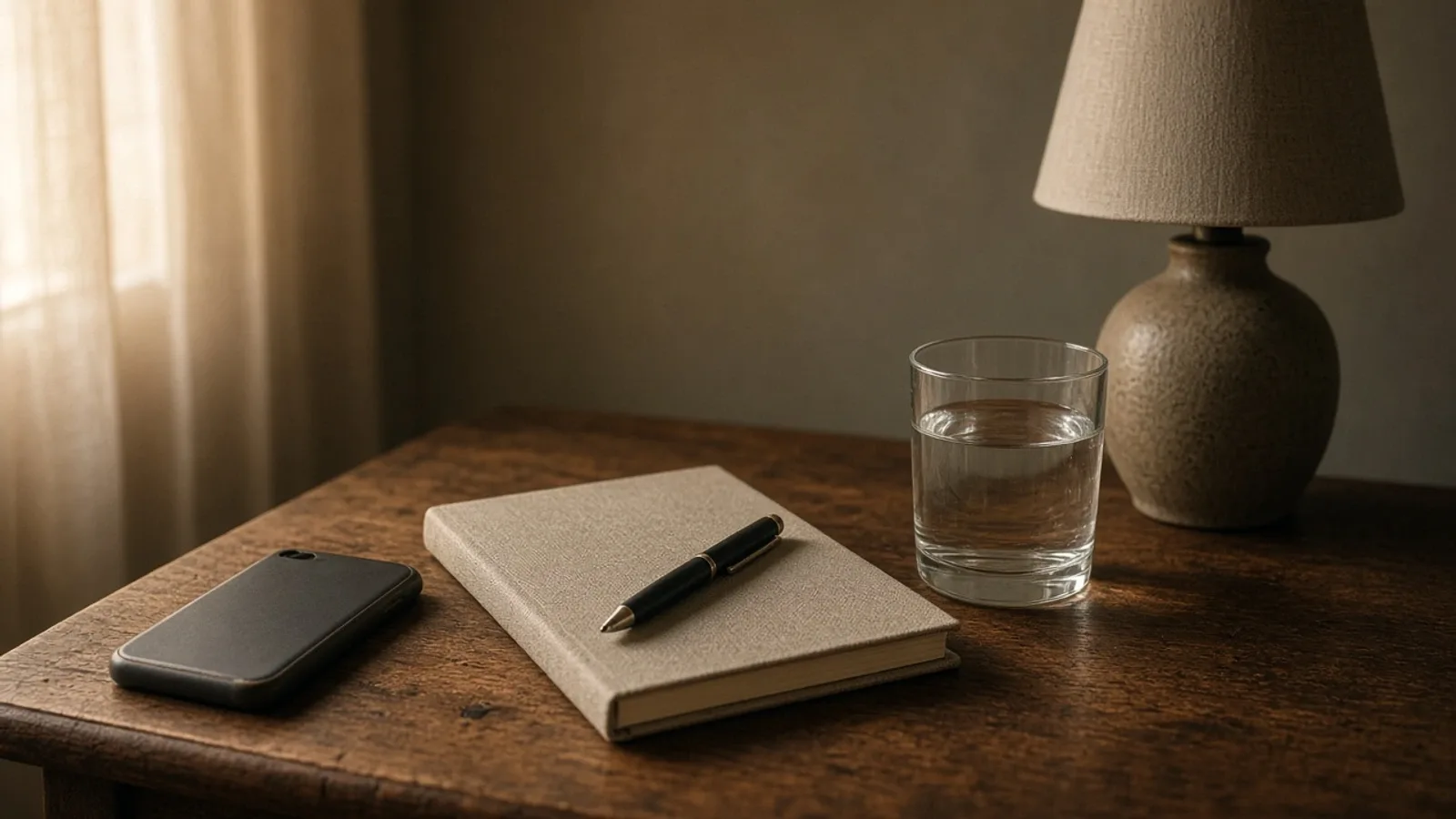
Your phone is not neutral. The home screen is a storefront, the notifications are a queue, and the apps are designed by teams paid to keep you opening them. Willpower is a weak defense against that. A better setup is a stronger one.
Digital minimalism is not a detox and it is not a personality. It is a phone configuration that makes the useful things easy and the compulsive things slightly harder. You can install most of it in thirty minutes.
The five-part setup
| Setup step | What it does | Time it takes |
|---|---|---|
| Home screen for tools | Keeps named-job apps in reach and puts everything else one step away | Ten minutes |
| Notifications for humans | Leaves messages, calls, and calendar alerts; removes badges and shopping pings | Five minutes |
| Folders by function | Groups Read, Watch, Listen, Shop, Work, and Travel, with the compulsive folder last | Five minutes |
| Bedtime as a setting | A charging spot outside the bedroom, a standalone clock, grayscale after dark | Five minutes |
| One app limit | A timer, a log out, or the web-only version of the app you open without thinking | Five minutes |
1. The home screen is for tools
The first screen should contain only the apps that do a job you can name: phone, messages, maps, camera, calendar, notes, banking, transit, weather. Everything else moves to the second page or into folders.
The test is simple: if you cannot say what job the app does in one sentence, it does not belong on the home screen.
2. Notifications are for humans
Turn off every notification that is not a person trying to reach you. That means:
- Messages, calls, and calendar alerts stay.
- Shopping, news, social, games, and “engagement” notifications go.
- Badges go. A red dot is a design trick, not information.
If an app cannot be used without notifications, that is a sign it is not a tool.
3. Folders by function, not by app
Group apps by what they are for, not by brand: Read, Watch, Listen, Shop, Work, Travel. Folders add a step, and a step is enough to interrupt the automatic open.
Put the folder for the most compulsive category on the last page, not the first.
4. Bedtime is a setting, not a decision
The research on sleep and screens points more strongly at bedtime and in-bed use than at total screen time. A 2026 review of digital engagement and sleep found that timing and problematic patterns mattered more than duration alone.
So make bedtime a setting:
- Charge the phone outside the bedroom, or across the room.
- Use a standalone alarm clock.
- Turn on grayscale or downtime in the evening if your phone supports it.
- If you use the phone for sleep audio, put it in airplane mode and keep it out of reach.
The realistic digital detox covers the seven-day experiment version of this if you want to test changes before committing.
5. Limits on the worst app
Pick the one app you open without thinking. Set a timer, log out, or remove it from the phone and keep the account on the web. The goal is not to quit; it is to make the default a decision instead of a reflex.
If the platform itself is the problem, the staying-or-leaving guide is the decision framework.
The 30-minute install
- Ten minutes: move every non-tool app off the home screen.
- Five minutes: turn off all non-human notifications and badges.
- Five minutes: create three or four function folders and put the compulsive ones on the last page.
- Five minutes: set bedtime mode, grayscale, or a charging spot outside the bedroom.
- Five minutes: set one app limit and one replacement (a book, a walk, a notebook).
Then use it for a week before changing anything else. The point is not a perfect phone; it is a setup that supports the evening you want.
What to keep
Digital minimalism is not anti-phone. Keep the things that genuinely help:
- Messages and calls.
- Maps and transit.
- Camera and photos.
- Calendar and notes.
- Banking and tickets.
- One or two sources of news or inspiration you actually chose.
The goal is a phone that serves the things you decided, not a phone that decides for you.
The monthly audit
A phone setup drifts. Apps get reinstalled, notifications creep back, and the home screen fills up again. Ten minutes once a month is enough to reset it.
- Check the screen-time report. Look for the app that grew without a decision.
- Remove one app you did not choose to keep.
- Re-check notifications. New apps default to on.
- Confirm the bedtime setup still works with your current charger and room.
- Re-read the home screen and ask whether each app still does a job you can name.
The audit is not about guilt. It is maintenance, like cleaning a filter.
What it will not fix
- Loneliness. A cleaner home screen does not create connection. The friendship maintenance guide is the better tool for that.
- Anxiety or depression. A phone setup is not a treatment. Talk to a clinician if you are struggling.
- A job that requires constant availability. The answer there is boundaries and recovery time, not a home-screen redesign.
- The business model. You can change your defaults; you cannot change the incentives of the apps. Regulation and product design matter too.
Who this is not for
If your phone is already set up in a way that works, do not rebuild it because an article told you to. If you use social media for work, keep the apps you need and set hours.
And if you love your phone and it is not causing a problem, you do not need to optimize it. The goal is intention, not purity.
Sources
- Khan MD, Junaidi S, Dalbah MI. Digital Engagement and Sleep Dysregulation in Young Adults: A Narrative Review. Cureus, 2026.
- Sullivan EC, Cairney SA, Henderson LM. Innovations in Practice: A pilot randomised trial on smartphone and social media abstinence — effects on sleep quality and psychological wellbeing in adolescents. Child and Adolescent Mental Health, 2026.
Direct answers
Frequently asked questions
How long does it take to set up a minimalist phone?
About thirty minutes. Ten minutes go on moving non-tool apps off the home screen, then five minutes each on notifications, function folders, bedtime mode, and one app limit. Use it for a week before changing anything else, because the point is a setup you can live with.
Which apps should stay on my home screen?
Only the ones that do a job you can name in one sentence: phone, messages, maps, camera, calendar, notes, banking, transit, weather. If you cannot explain what an app is for, move it to a folder or the second page and see whether you miss it.
Do I need to delete social media to be a digital minimalist?
No. Keeping the account and adding one step is usually enough: remove the app from the home screen, log out after each use, or mute its notifications. Deleting everything at once tends to end with a reinstall, and the goal is a default you can keep, not a clean sweep.
How do I stop my phone from ruining my evenings?
Make bedtime a setting rather than a decision: charge the phone outside the bedroom, use a standalone alarm clock, and turn on grayscale or downtime after dark. Then put one replacement within reach, whether that is a book, a bath, or a person to talk to.
About the author

The editorial voice of CiciTrends. Color, fit, and the small decisions that make a wardrobe work. Written by an AI-assisted desk under human direction.
Reporting, sourcing and AI disclosure:/editorial-standards/
Keep reading
Related stories
Should you leave social media? A decision framework
The evidence on quitting is mixed, not moral. A platform-by-platform audit, a keep/limit/leave matrix, and how to leave without the dramatic return.
Jan 3, 2026
The realistic digital detox: change the defaults, not your whole life
The evidence on total detoxes is mixed and short-lived. What actually helps is timing, friction, and replacement. A seven-day experiment that fits a real week.
Jan 8, 2026
Blue light and your skin: what the evidence says
Visible light can worsen pigmentation, especially in melasma. Screens emit far less than the sun. What to protect against, and what not to buy.
Dec 31, 2025